
This GoDAM Forms layer allows you to integrate a custom form as a layer at a particular time stamp during the video playback. These forms allow viewers to provide the requested information, such as email addresses, name etc., before continuing to watch or accessing certain content. Form layers in video marketing are an effective way to capture leads directly within your video content to boost your revenue. This layer integrates with 8+ forms, including Gravity Forms, WPForms, and Fluent Forms.
Here’s how to add it:
STEPS:
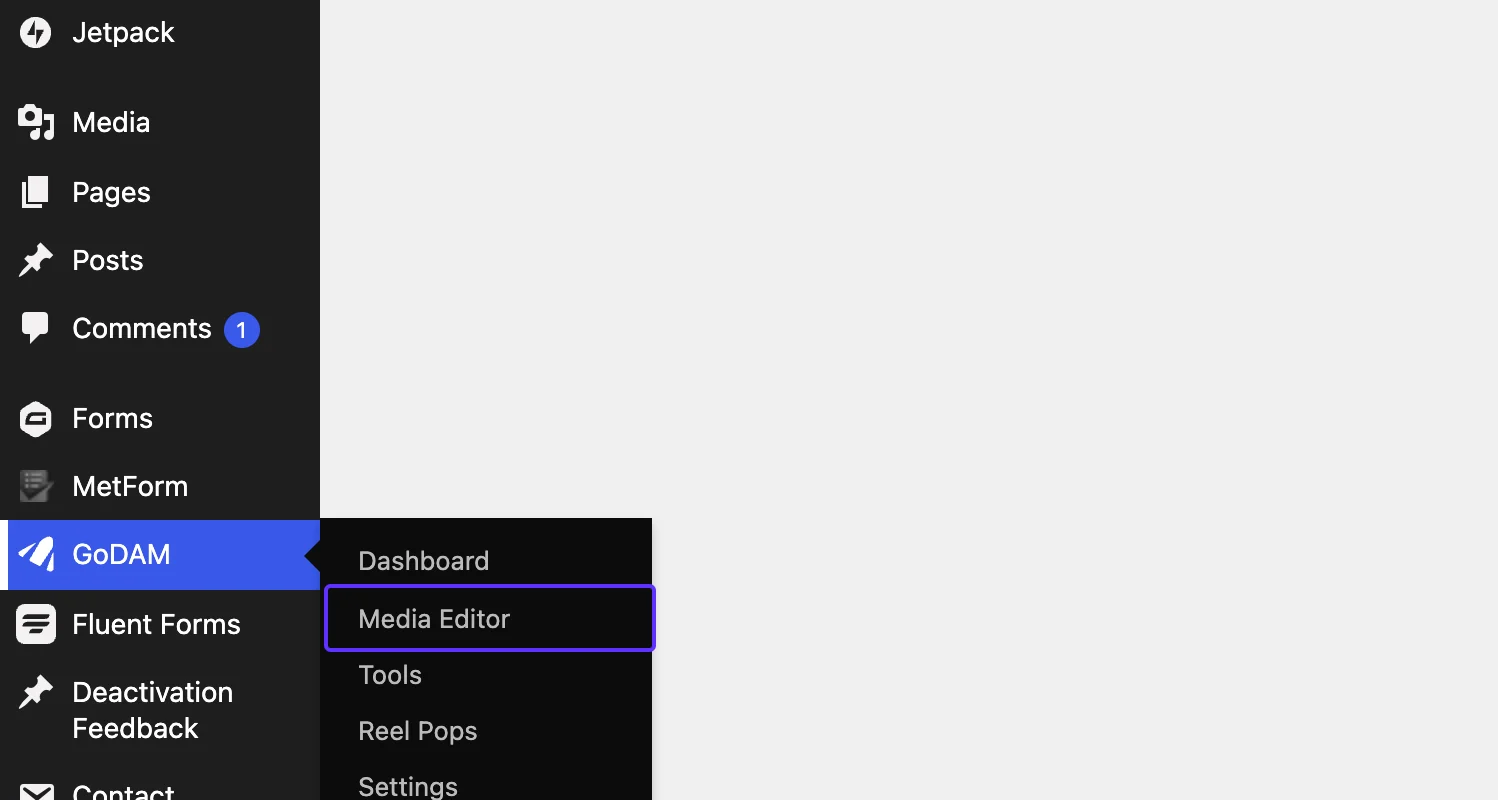
Step 1: Go to Media Editor under GoDAM menu
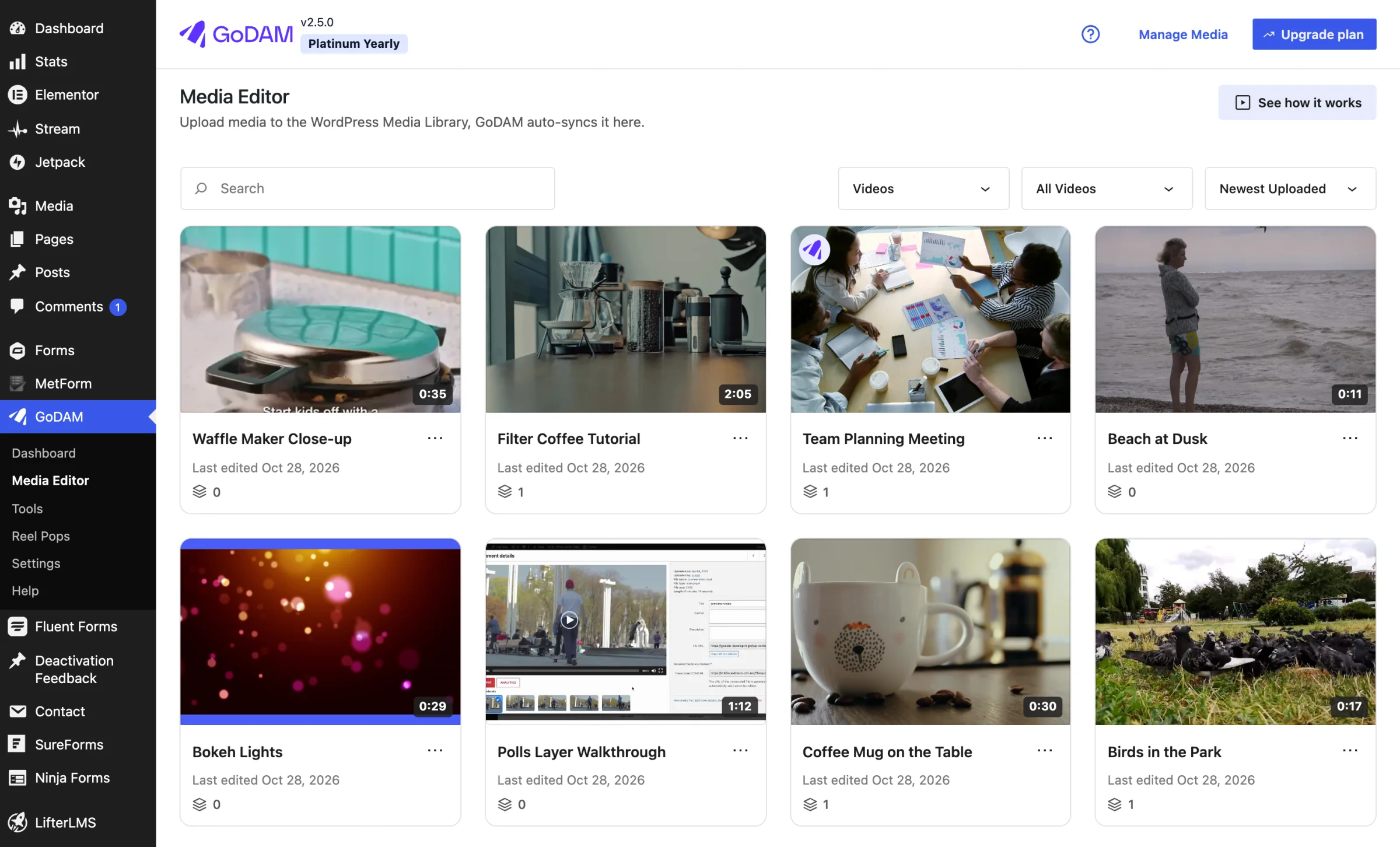
Step 2: Choose a video
Step 3: Go to the timestamp where you want to add the layer
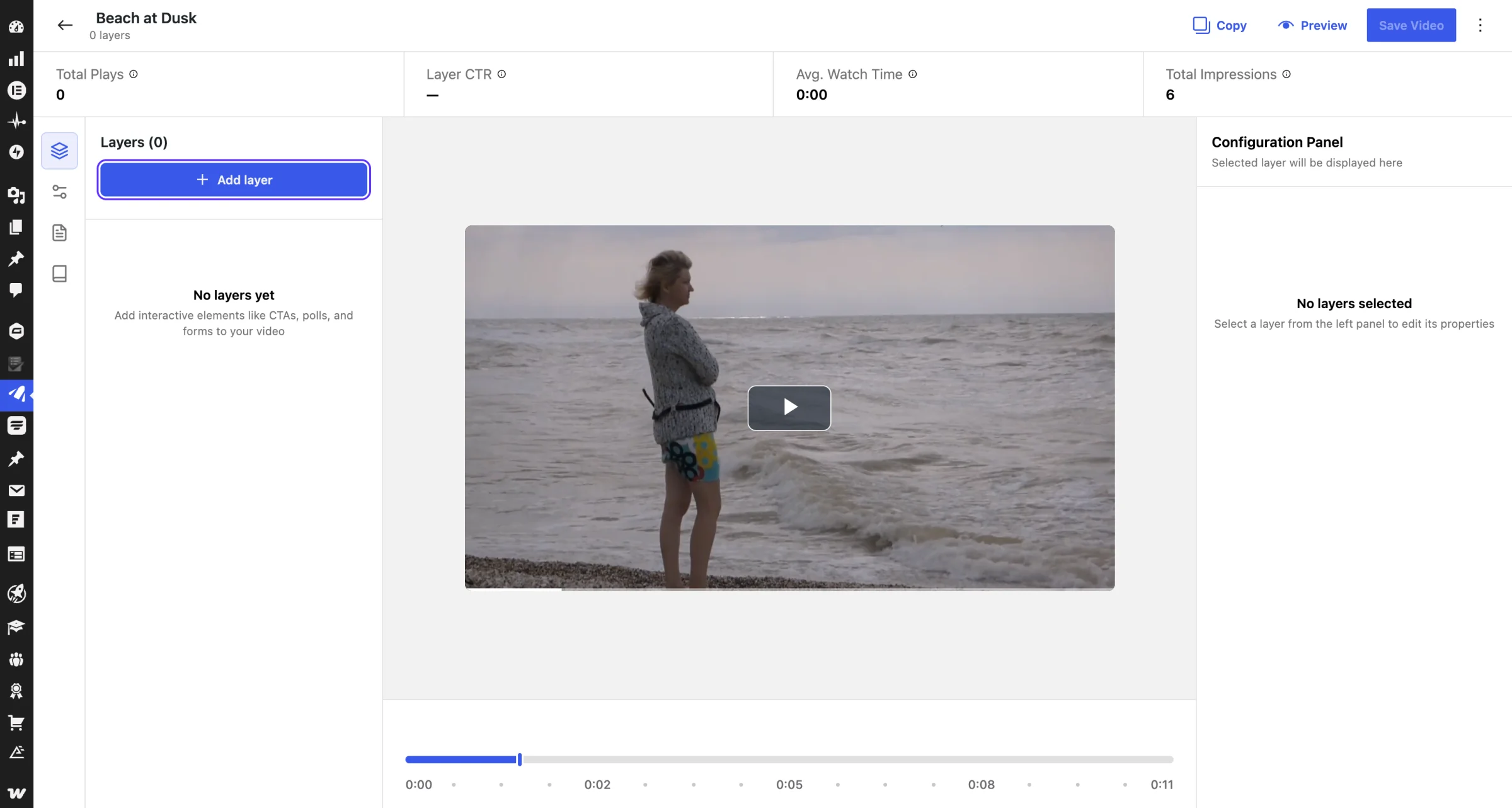
Step 4: Click Add layer, choose Form, then pick your form plugin (for example Gravity Forms, WPForms or Contact Form 7).

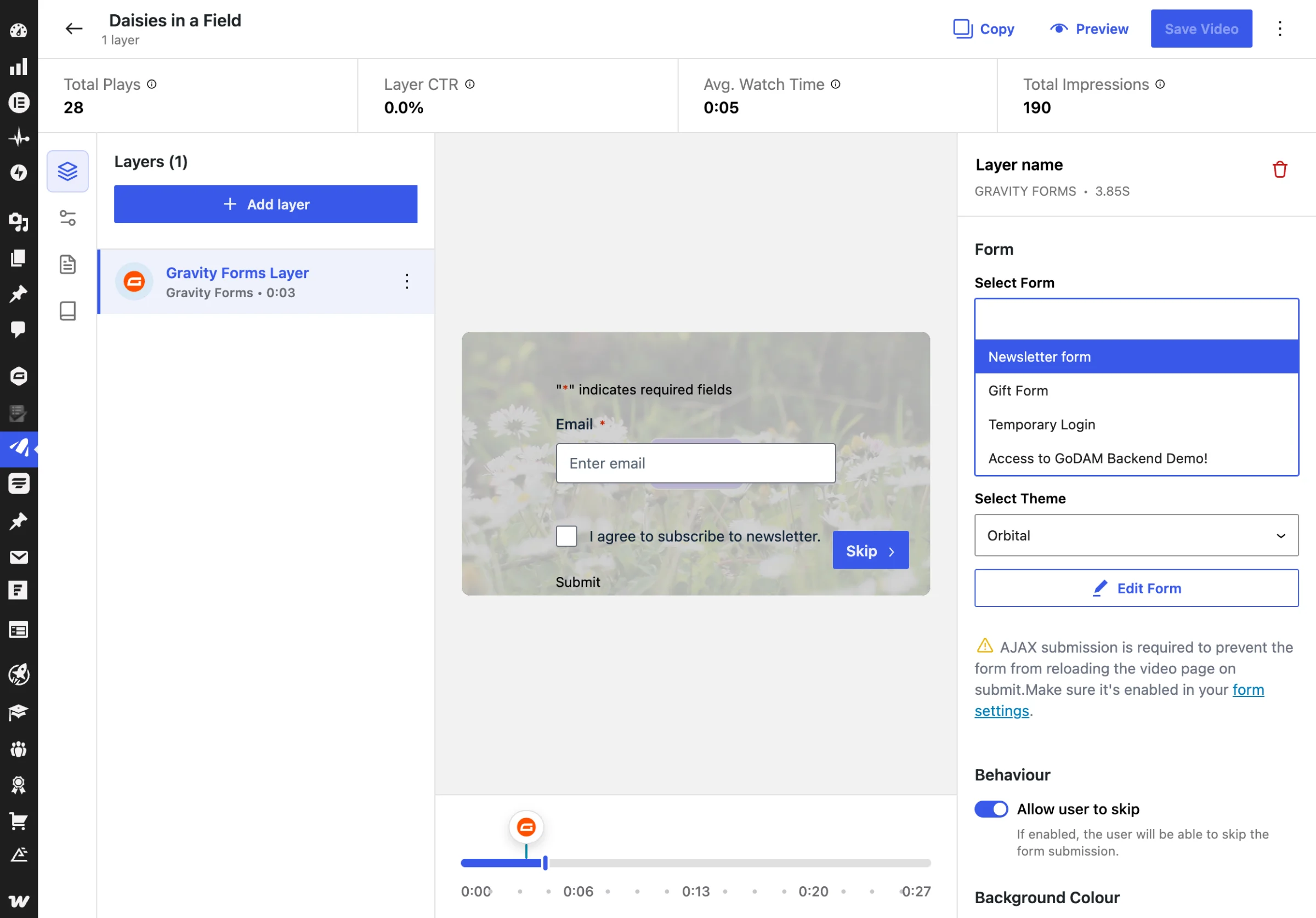
Step 5: In the “Select Form” input, a list of all the forms available in the respective plugin appears.
NOTE: You need to install the Gravity form plugin for Form layer to work or else you’ll see this message:
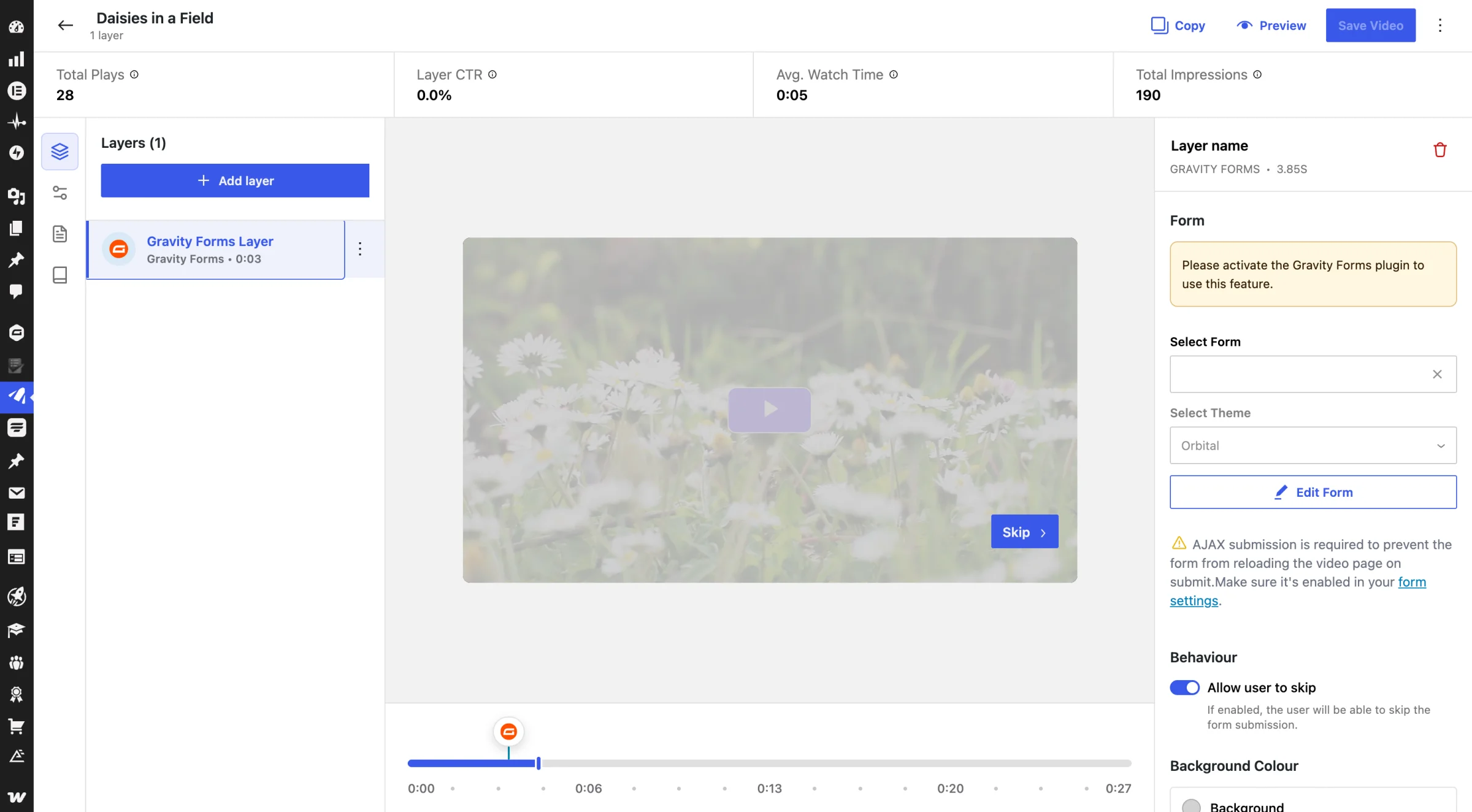
Step 6: After selecting the form, you could choose from the themes (if available) under the setting “Select Theme”
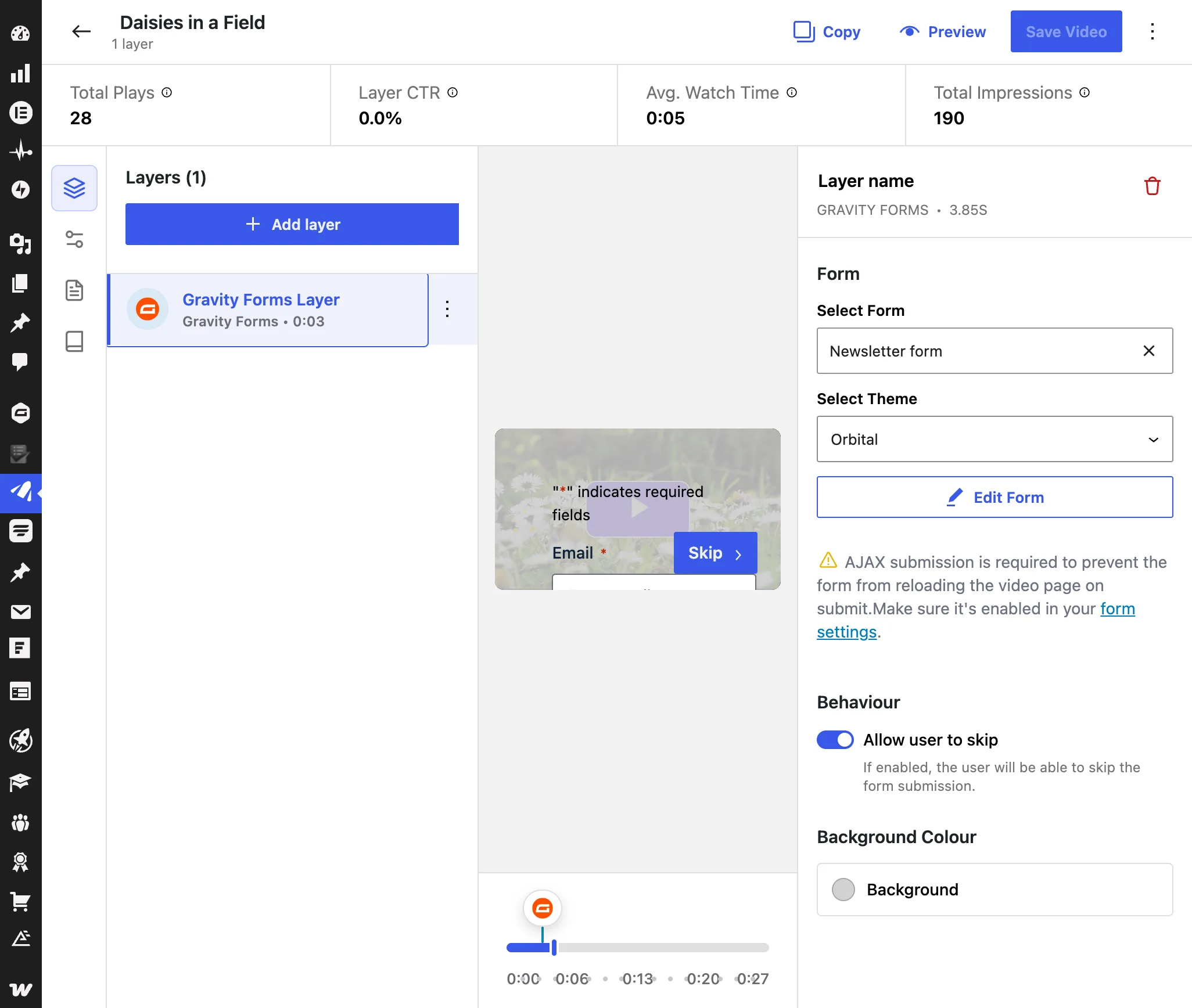
Step 7: Under Background Colour, pick a background colour for the layer.