-

GoDAM Single Video Analytics
Read this documentation to learn how GoDAM Single Video Analytics provides detailed insights into plays, engagement, and viewer interactions for each video in WordPress.
-
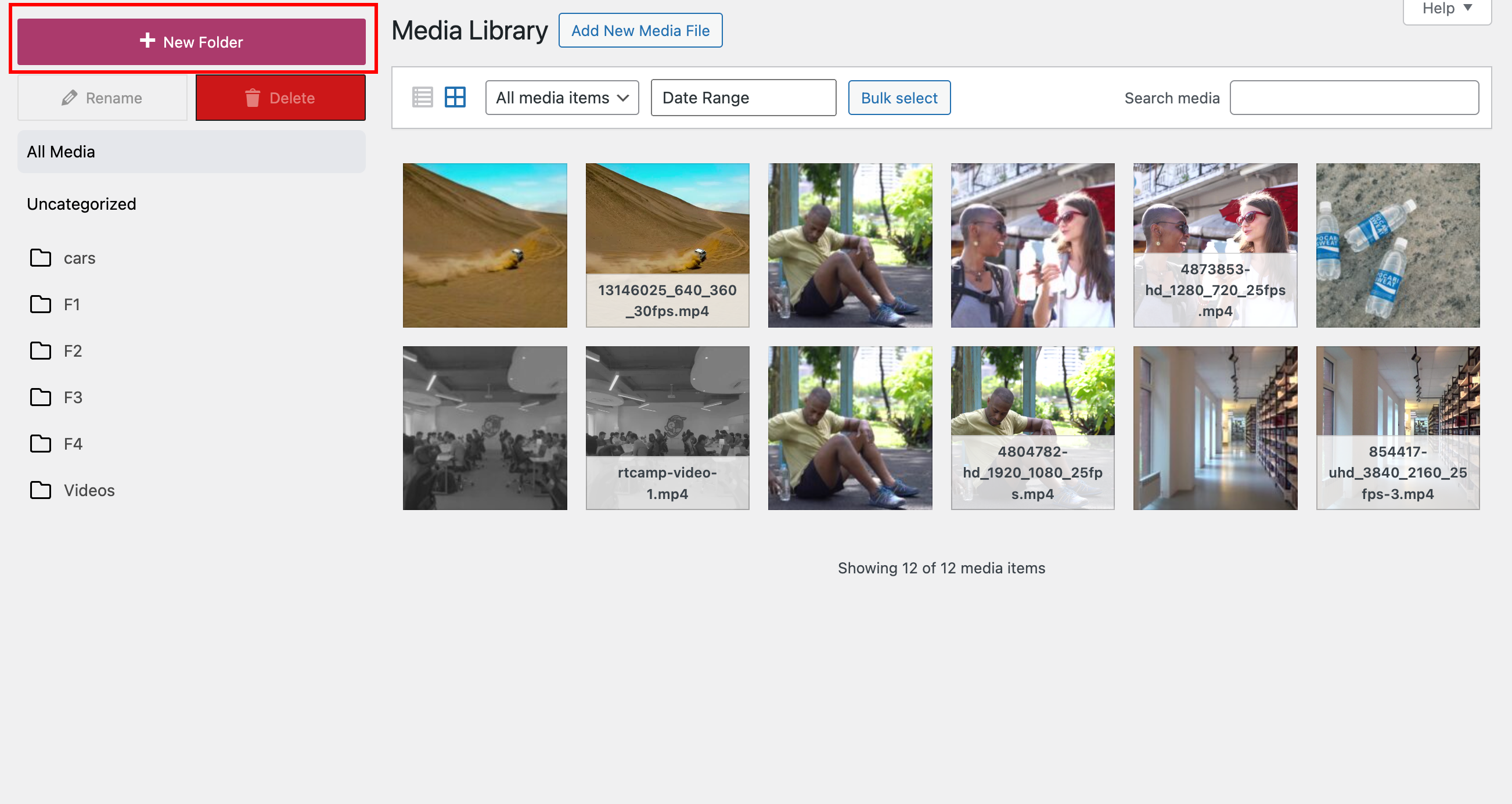
GoDAM media library manager user guide
Learn how to use GoDAM WordPress media library manager to organize media, create unlimited folders, bookmark, lock, and download folders as ZIP files.
-

Media Library Manager Interface
Learn how to use GoDAM’s WordPress media library manager feature to create unlimited folders, bookmark, lock, and download them as ZIP files.
-
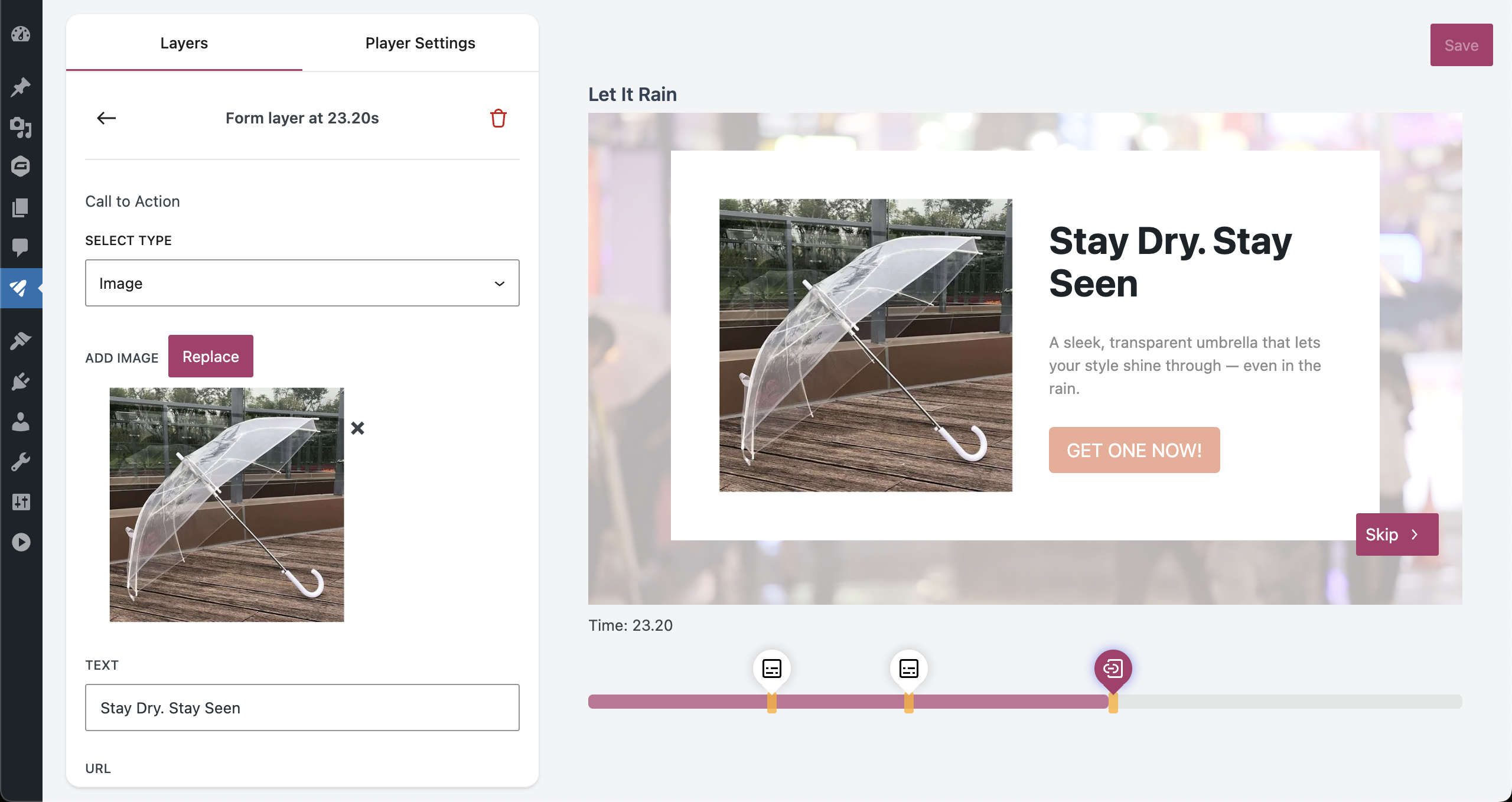
GoDAM CTA Layer
Read this documentation to learn how the GoDAM CTA Layer helps you add clickable buttons and calls-to-action inside your videos to drive engagement, conversions, and viewer interaction.
-
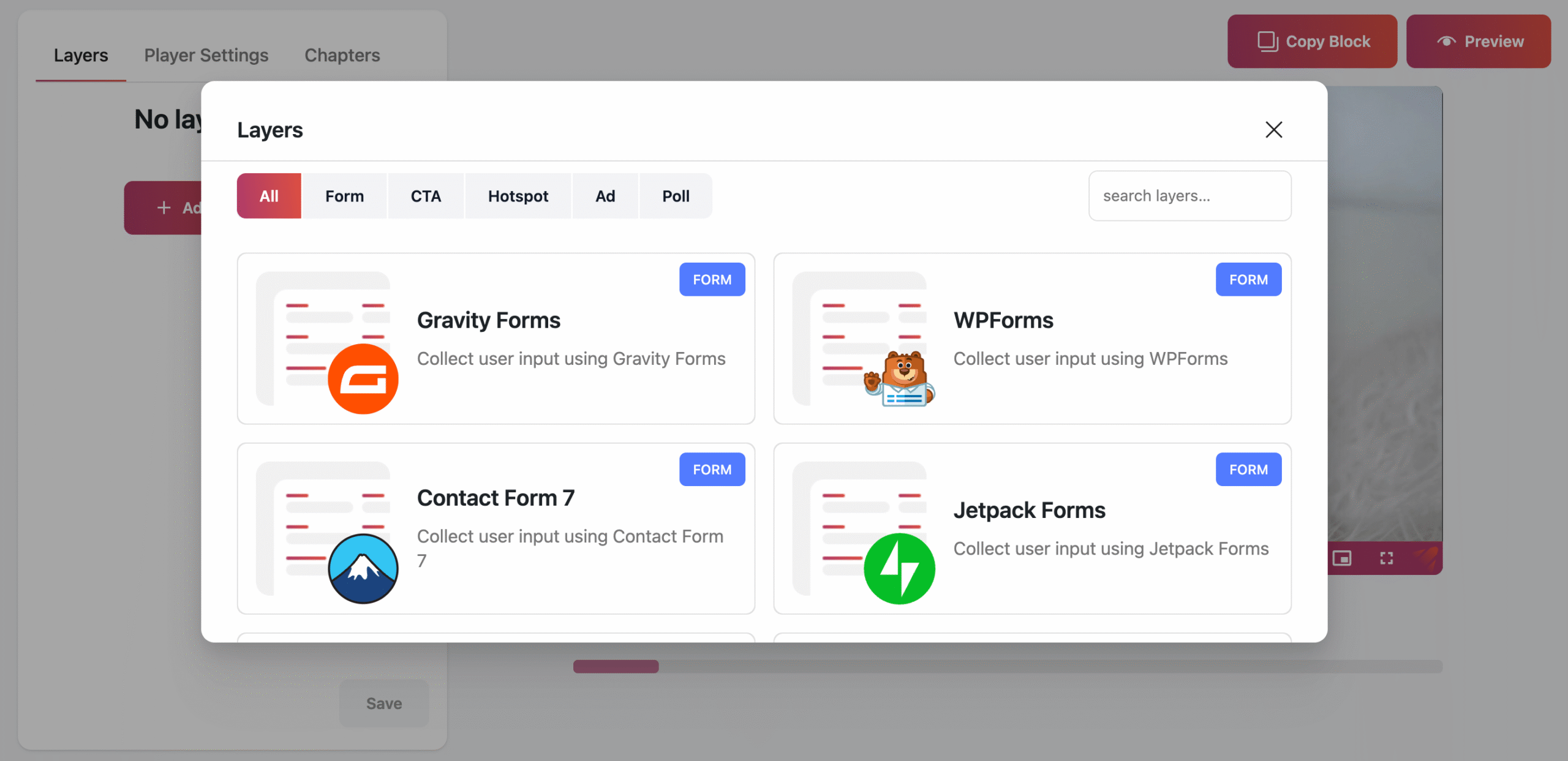
GoDAM Video Layers
Read this documentation to learn how GoDAM Video Layers let you add interactive elements like forms, CTAs, and links to your videos, boosting engagement and lead generation.
-

GoDAM player appearance customization
Read this documentation to learn how to customize GoDAM player appearance customization for a single video, including volume, captions, and branding options.
-
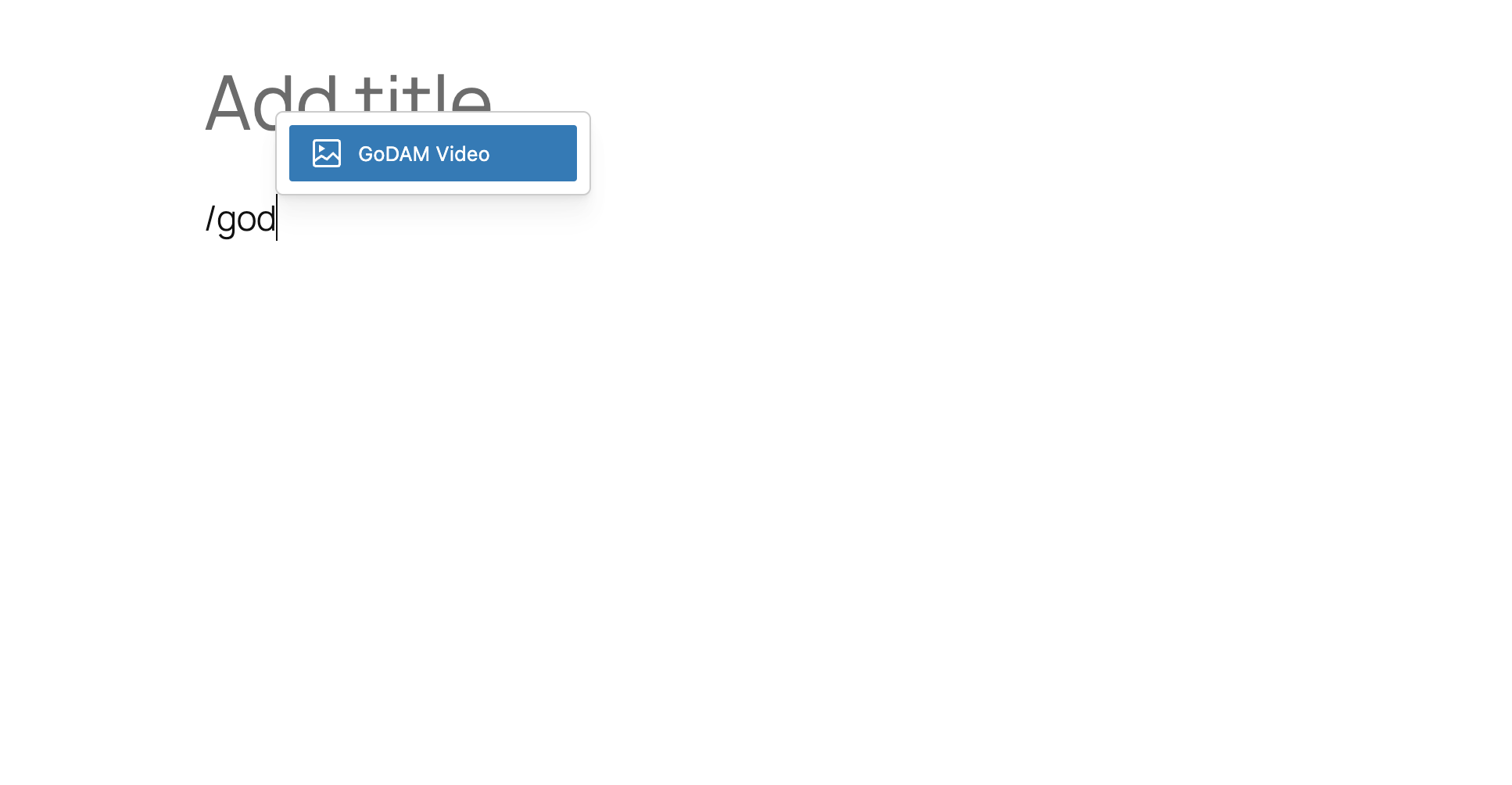
GoDAM Gutenberg Video Block
Read this documentation to learn how the GoDAM Gutenberg Video Block lets you add and customize GoDAM-hosted videos seamlessly within the WordPress block editor.
-
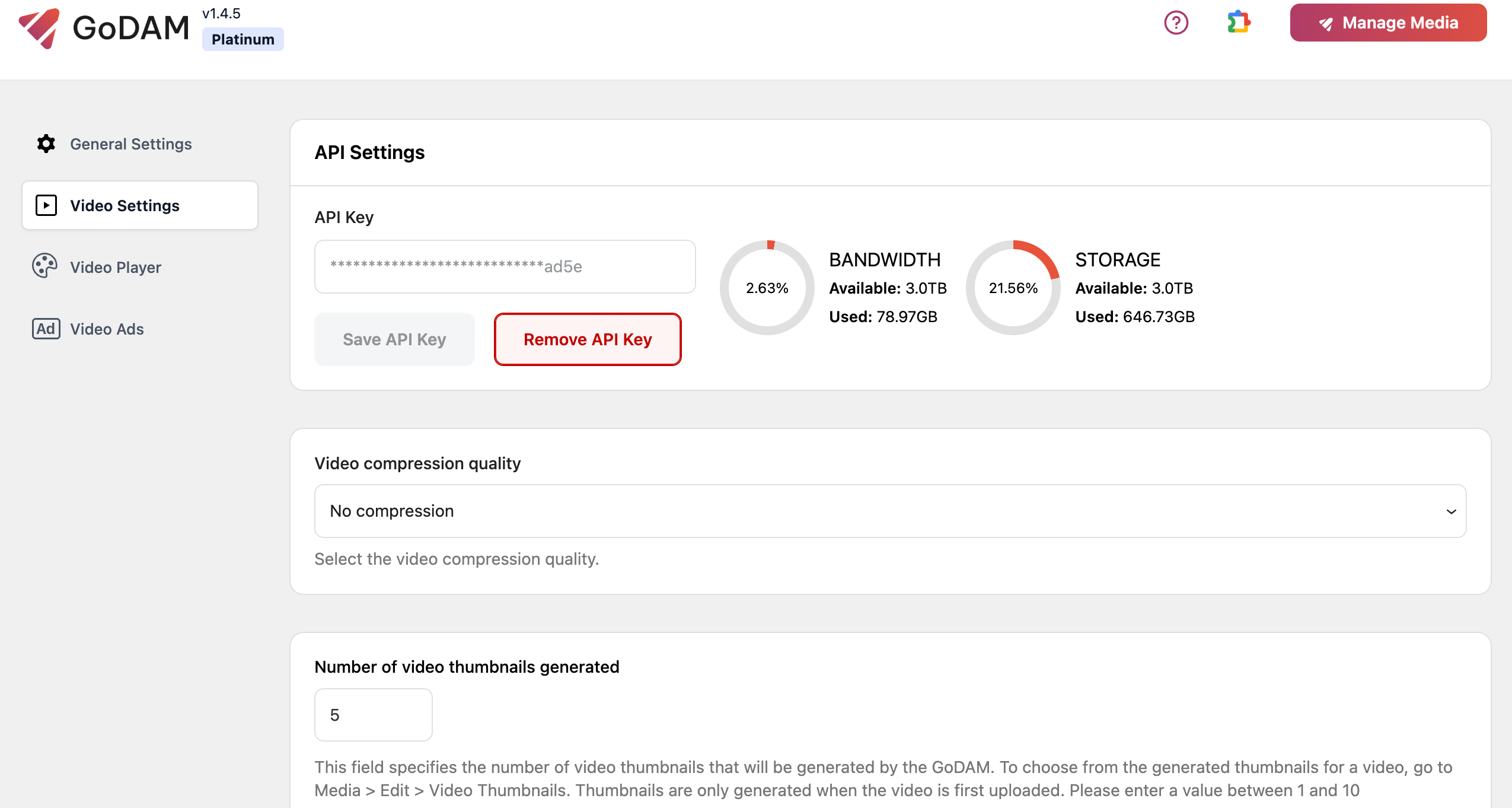
GoDAM Video Settings
Learn how to configure GoDAM Video Settings in WordPress to customize video compression, manage video thumbnails, and add watermarking to your WordPress videos.
-
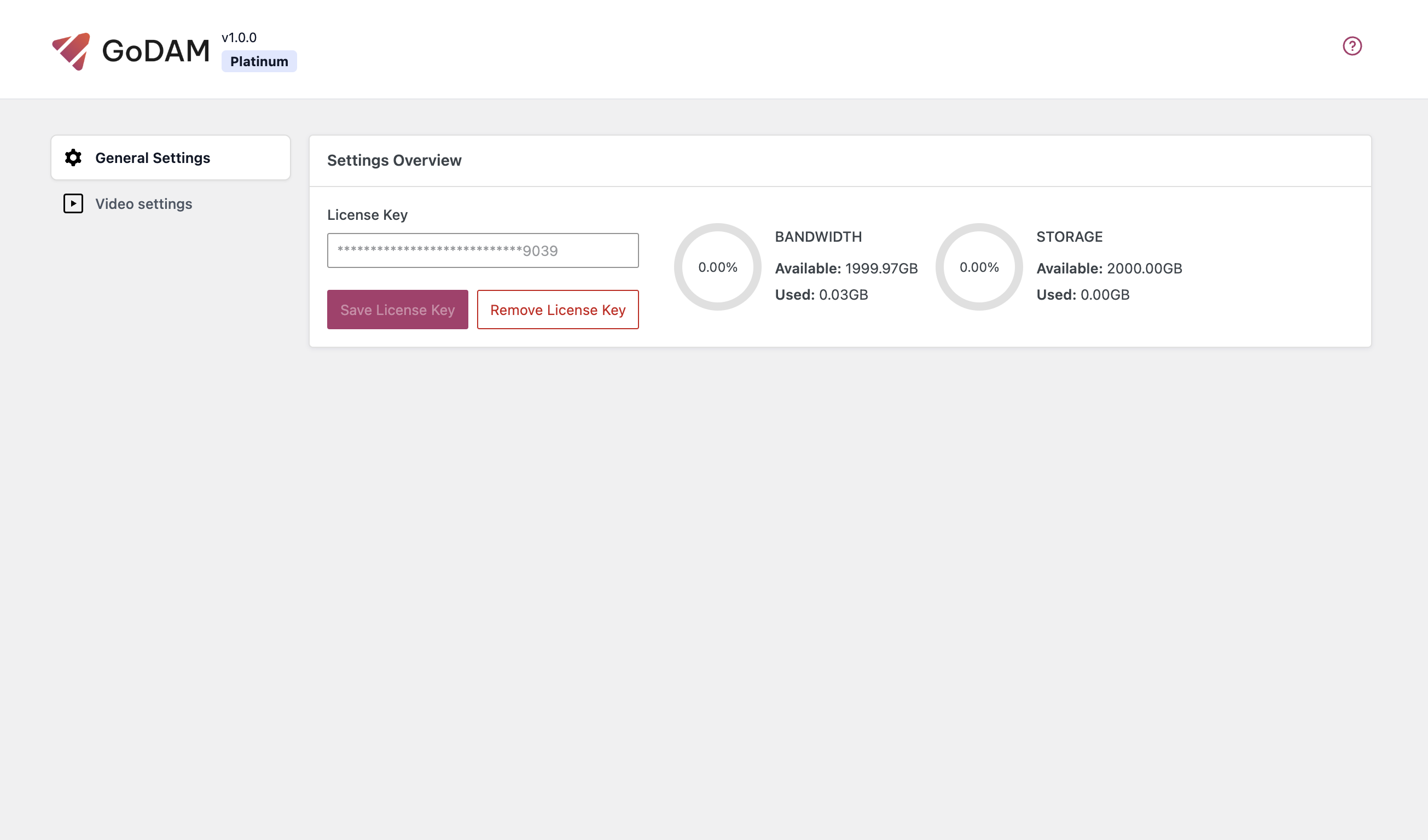
GoDAM General Settings
Learn how to configure GoDAM General Settings in WordPress for options like enabling WordPress media library manager and GTM tracking.
-

Installing GoDAM on WordPress: Step-by-Step Guide
Follow this GoDAM Installation Guide to set up GoDAM on your WordPress site and start managing, hosting, and monetizing your media easily.