-

Resolving Conflicts Between GoDAM and WP Media Offload Plugins
Learn how to resolve conflicts between GoDAM and WP Media Offload plugins that offload media files from WordPress to external storage or CDNs.
-
Troubleshooting
Find quick solutions to common GoDAM issues. Use our troubleshooting guides to resolve setup, upload, or playback errors and keep your media running smoothly.
-
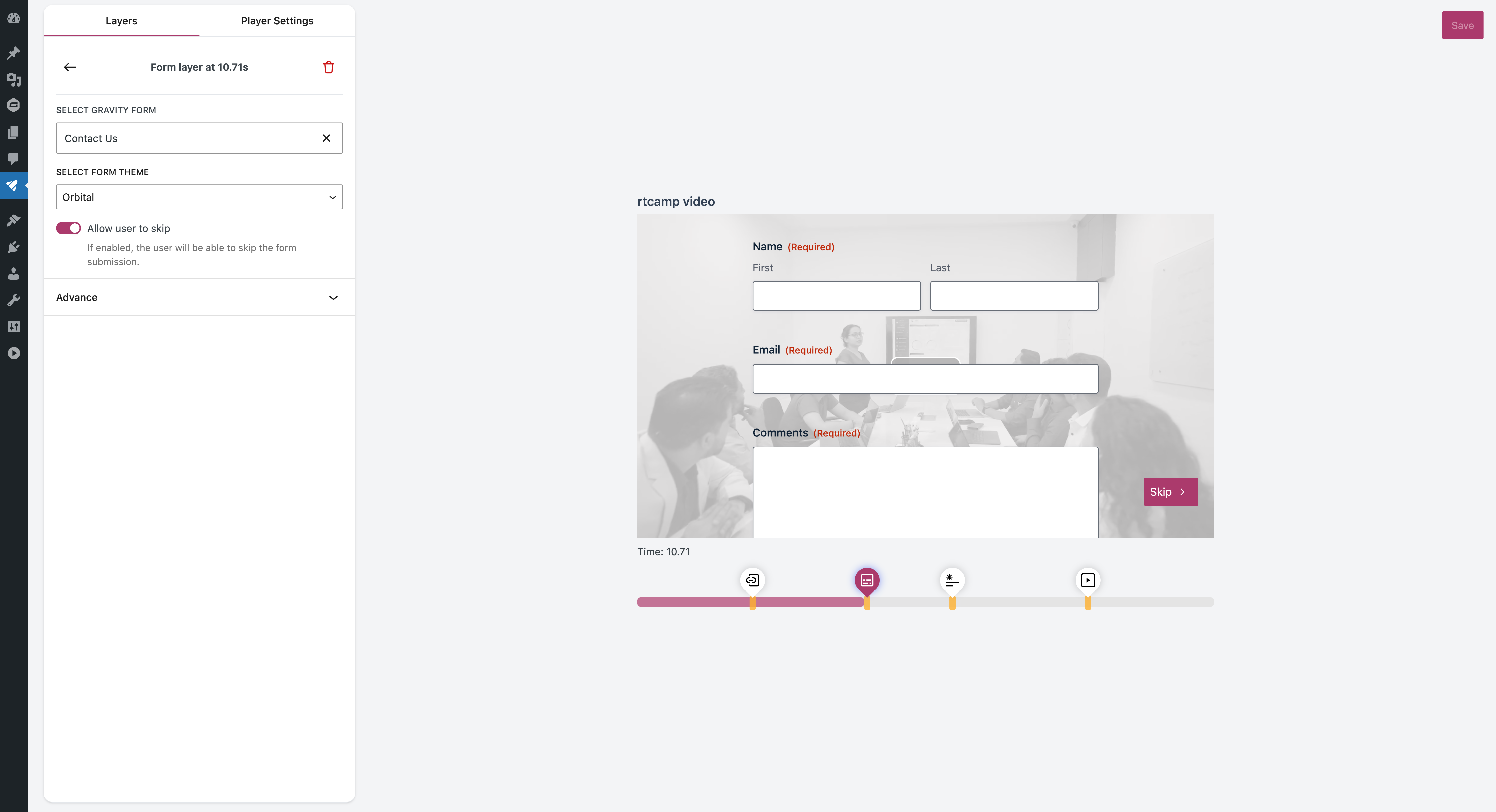
GoDAM Forms Layer
Read this documentation to learn how the GoDAM Forms Layer helps you capture leads directly from videos by adding interactive forms that collect viewer details in real time.
-

GoDAM Video Ads Layer
Read this documentation to learn how the GoDAM Video Ads Layer helps you add in-video ads and integrate Google Ads to monetize your videos and boost revenue.
-
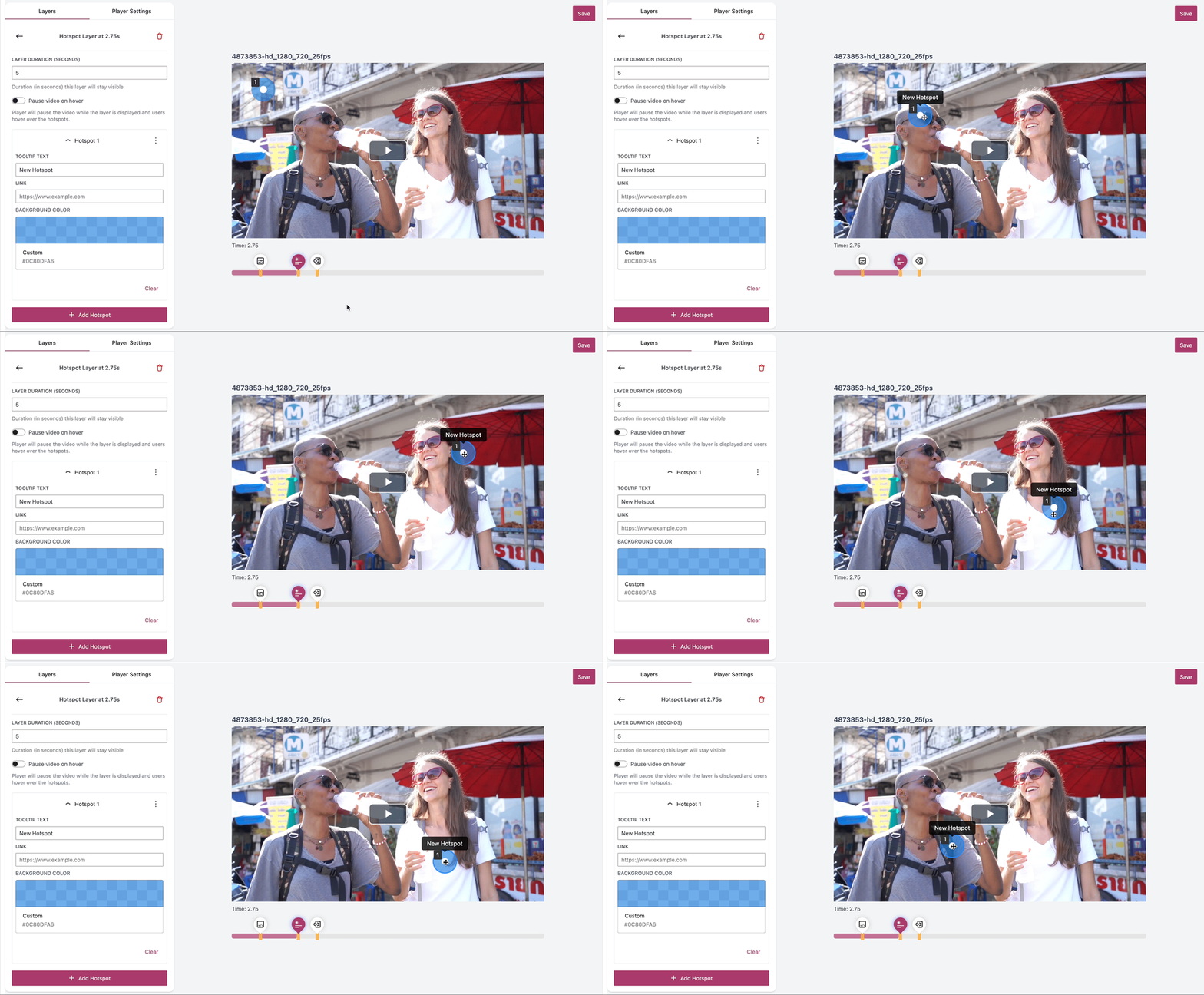
GoDAM Hotspot Layer
Read this documentation to learn how the GoDAM Hotspots Layer lets you add interactive hotspots inside your videos to highlight products, link to pages, or display additional information seamlessly.
-
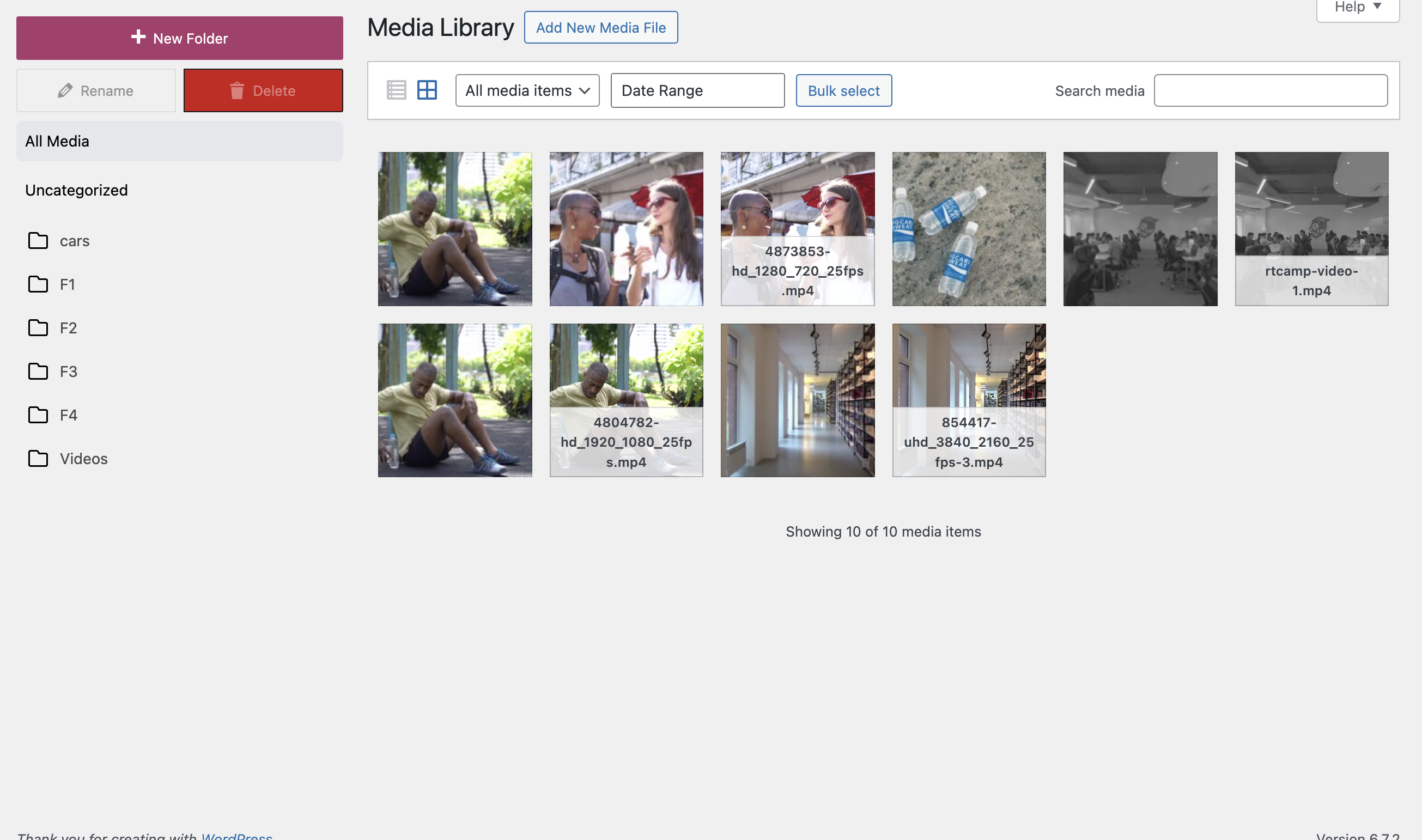
WordPress Media Library Manager
GoDAM’s WordPress Media Library Manager lets you organize videos, images, and documents with unlimited folders for easy, structured media management.
-
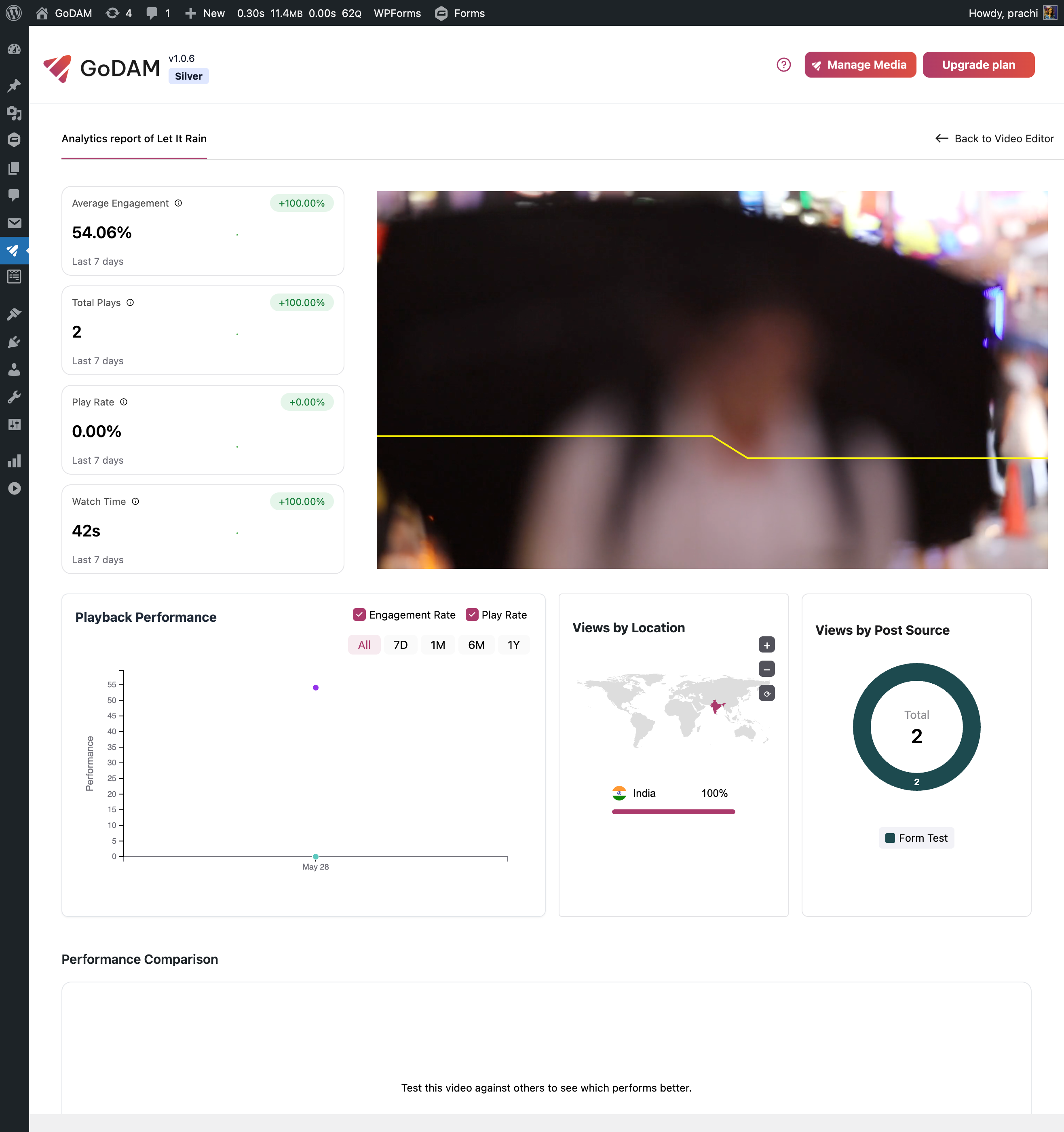
GoDAM Video Analytics
Read this documentation to learn how GoDAM Video Analytics helps you track viewer behavior, engagement, and performance insights directly from your WordPress dashboard.
-
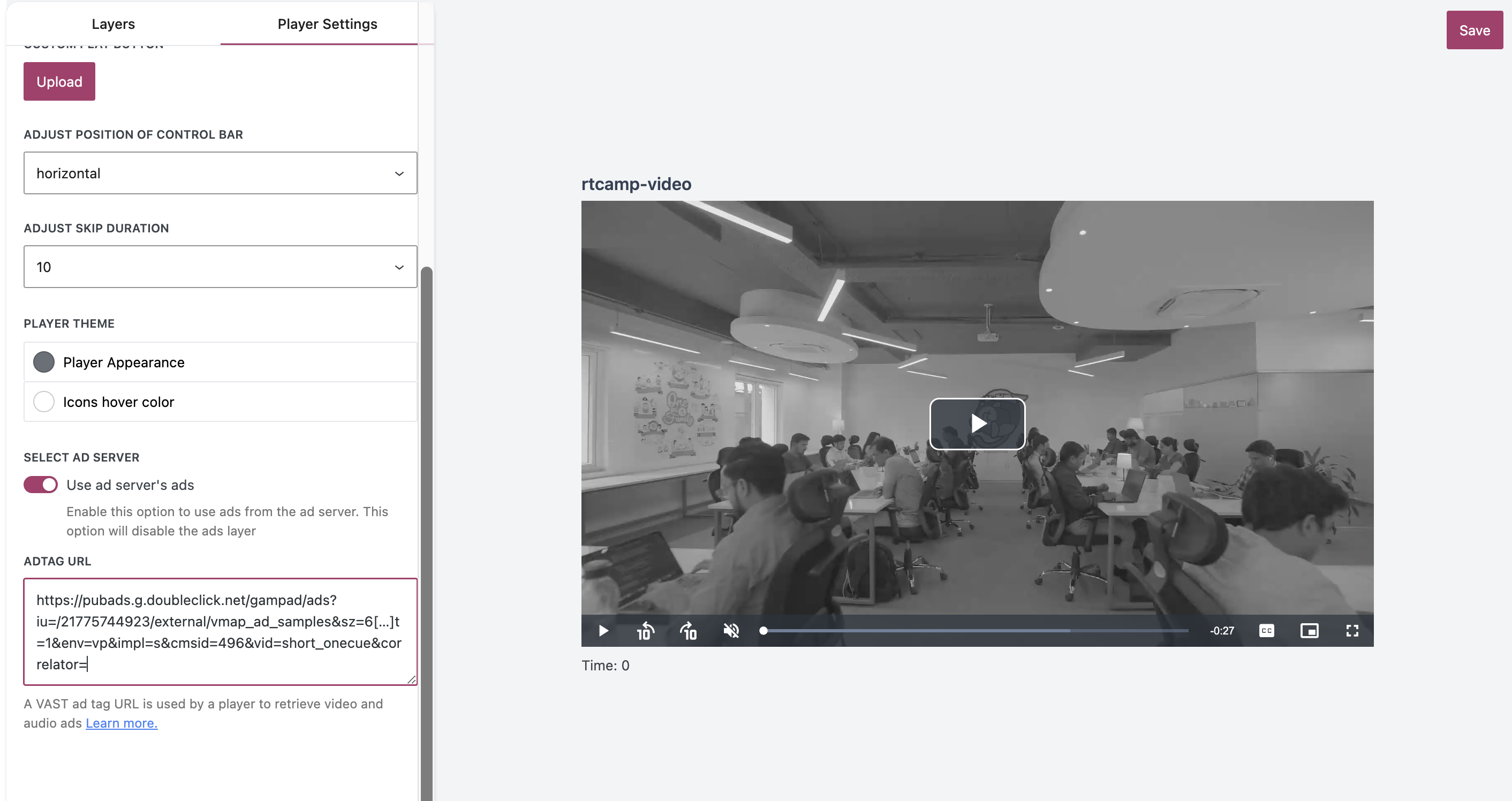
GoDAM Appearance settings for single videos
Read this documentation to learn how GoDAM Appearance Settings let you customize the video player design globally or per video to match your brand and website style.
-
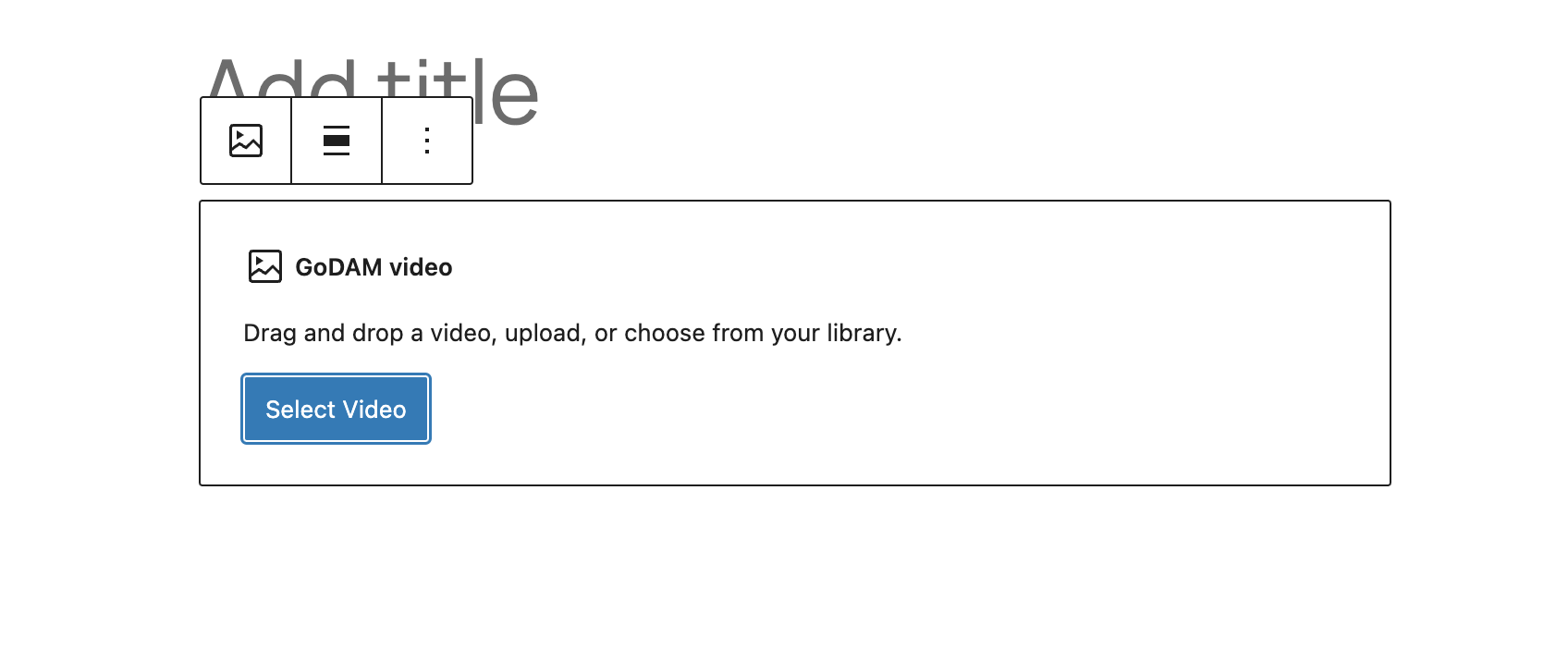
GoDAM Gutenberg Blocks
Read this documentation to learn how the GoDAM Gutenberg Block lets you add and customize GoDAM videos, audio, and galleries seamlessly within the WordPress block editor.
-
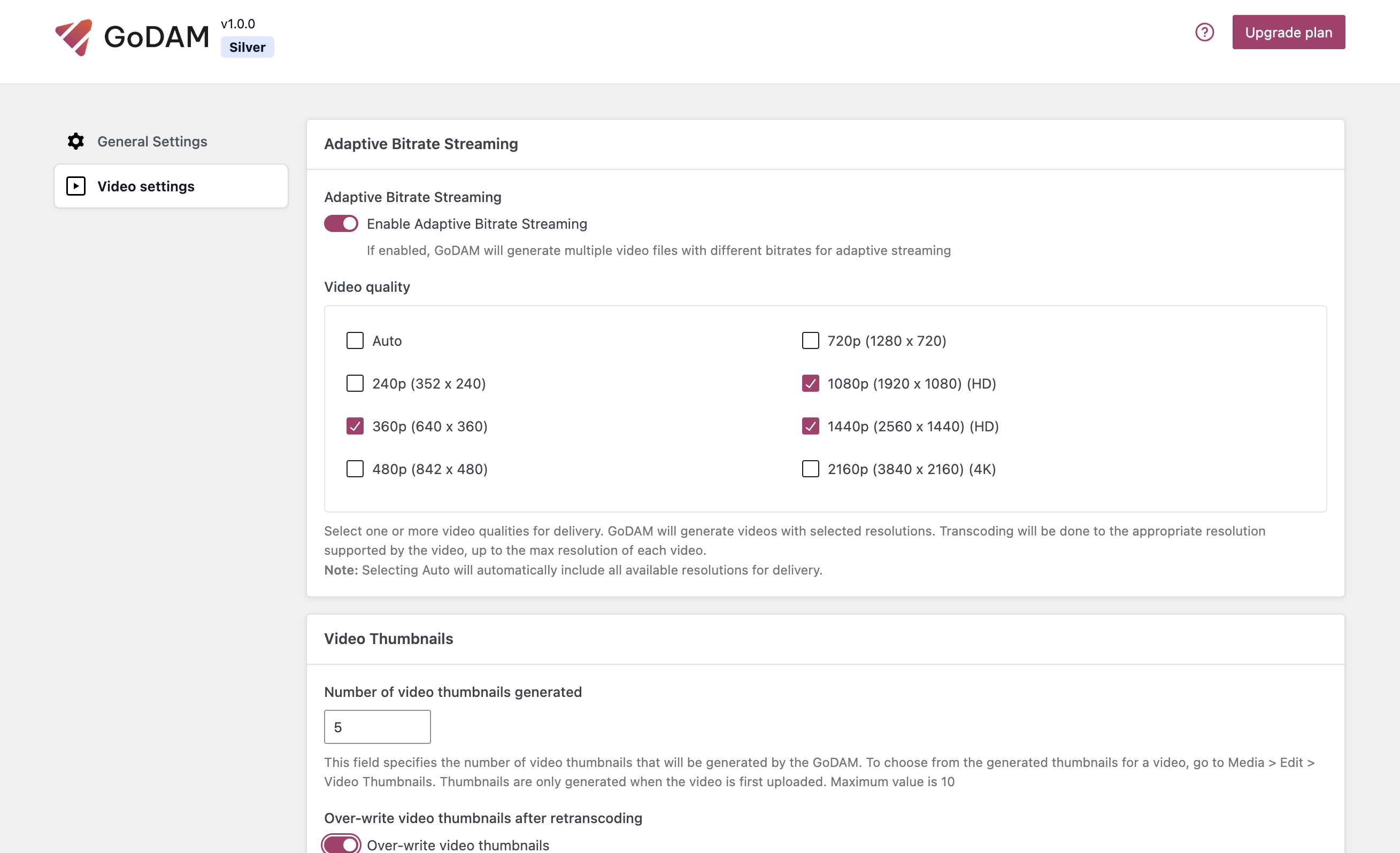
GoDAM Settings and Configuration
Set up GoDAM settings on your WordPress site. Configure storage, CDN, ads, and video options for seamless media management and performance.