-
GoDAM Screen Recorder Chrome Extension
GoDAM Screen Recorder Chrome Extension makes it easy to capture and record your screen, explain visually, and instantly share videos without leaving your browser.
-
GoDAM Gutenberg Video Gallery Block
Read this documentation to learn how the GoDAM Gutenberg Gallery Block lets you create and customize beautiful video galleries seamlessly within the WordPress block editor.
-
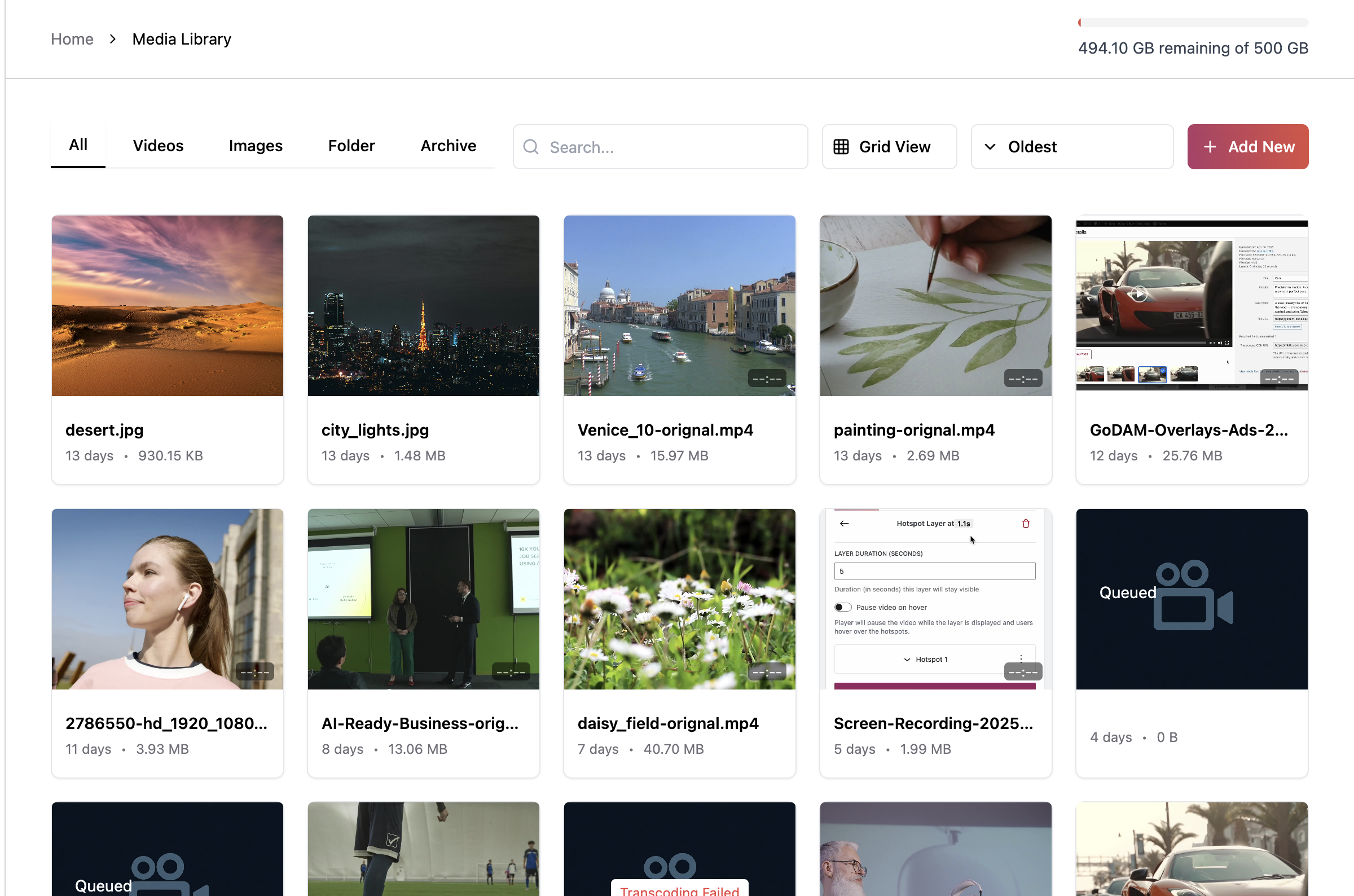
GoDAM Central
Read this documentation to learn how to add and use the GoDAM Central to manage, search, share & collaborate on videos, images & audio from multiple sources in one dashboard.
-
GoDAM Polls Layer
Read this documentation to learn how the GoDAM Polls Layer lets you add interactive polls inside your videos to collect viewer feedback, increase engagement, and understand audience preferences.
-
GoDAM Dashboard Analytics
Read this documentation to learn how GoDAM Dashboard Analytics helps you track video performance, viewer behavior, and engagement trends across all your videos.
-
GoDAM Video SEO Settings
Read this documentation to learn how to configure the GoDAM Video SEO feature to optimize your videos with structured data, metadata, and schema markup for better search visibility.
-
GoDAM Media Tab
The GoDAM media tab enables access to audio, video & image assets across all connected sites right from the WordPress Media library.
-
GoDAM Changelog
Stay updated with the latest GoDAM releases, new features, improvements, and bug fixes in our detailed changelog.
-
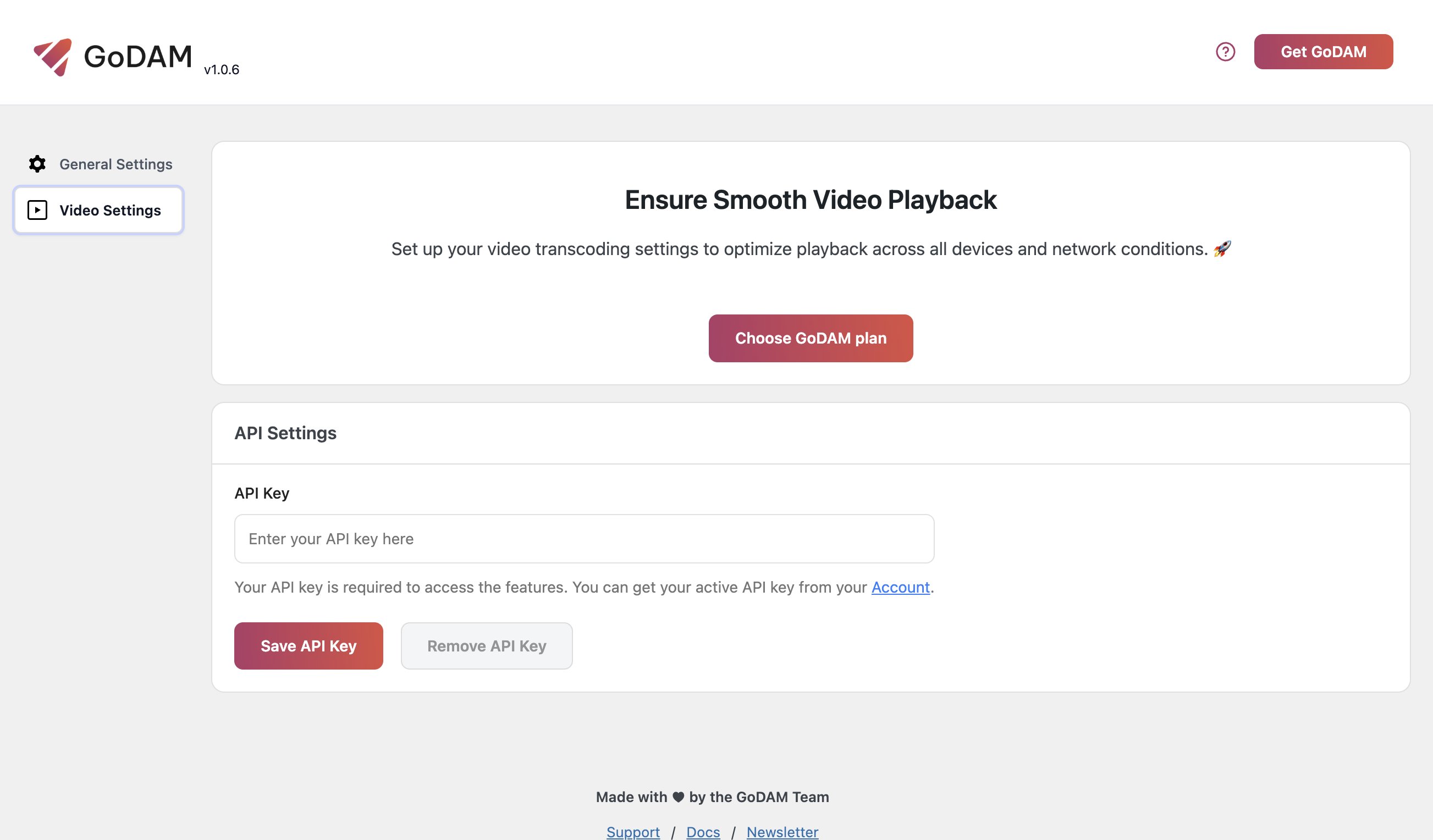
Setting up GoDAM API key
Follow this guide to configure your GoDAM API key in WordPress and start using transcoding, video hosting, CDN delivery and media optimization.
-
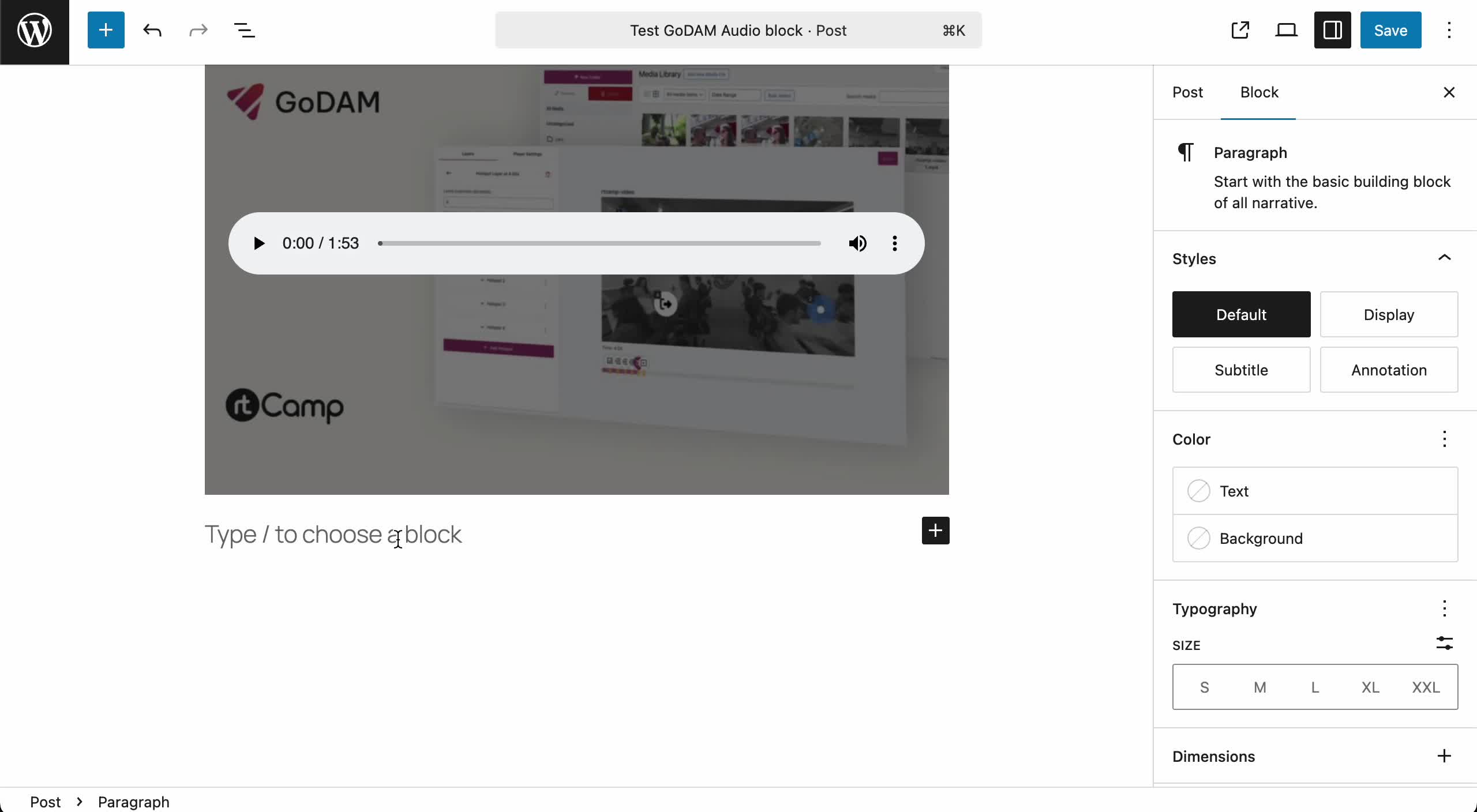
GoDAM Gutenberg Audio Block
Read this documentation to learn how the GoDAM Gutenberg Audio Block lets you add audio files seamlessly within the WordPress block editor.